Your tablet, transformed into a computer extension.
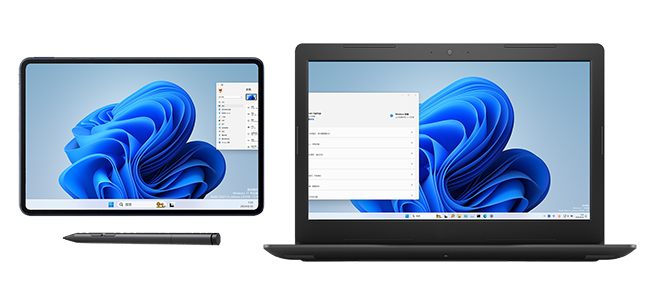
No extra hardware needed. With just ExtensoDesk software, turn your Android tablet into the perfect secondary display for your computer.
<========Header load failed.========>
No extra hardware needed. With just ExtensoDesk software, turn your Android tablet into the perfect secondary display for your computer.
Whether for extended display or screen mirroring, ExtensoDesk delivers perfect performance
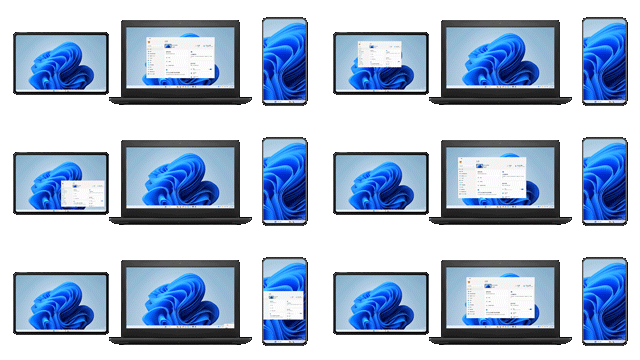
Use your tablet as a second screen for your computer, expanding your workspace. Drag windows between different screens for efficient multitasking.
Extended Display Mode Demo
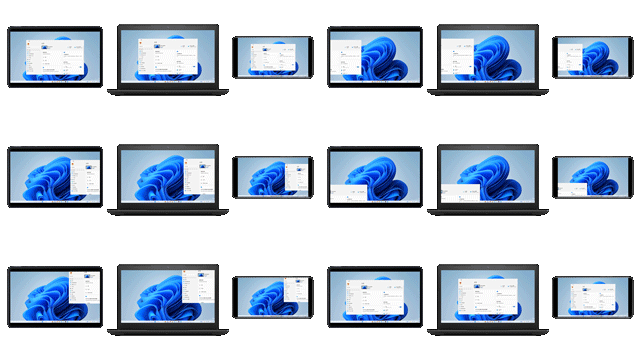
Completely clone your computer screen content on the tablet, perfect for presentations, teaching, or sharing screen content with others.
Screen Mirroring Mode Demo
Smart extended screen solution designed to boost productivity
Easily transform phones and tablets into computer extensions, creating a seamless multi-screen work environment that significantly improves efficiency.
Whether using Wi-Fi wireless or USB wired connection, enjoy super low latency for smooth experience with instant operation response.
Leverages GPU image processing advantages for fast and efficient operation, using minimal CPU resources without affecting other work processes.
Perfectly supports stylus pressure sensitivity, native Windows touch experience, and direct audio playback from computer on tablet.
Supports 4K ultra HD resolution, up to 240Hz refresh rate, HDR display mode, meeting professional creative needs.
Uses end-to-end encryption technology to ensure data transmission security, fully protecting your privacy and work content.
7×24-hour technical support service is available all the time to solve any problems you encounter during use.
Perfectly supports Windows 10/11 systems, compatible with various Android tablets and mobile devices.
Numerous well-known enterprises and institutions, along with hundreds of thousands of individual users, choose ExtensoDesk


